Permissions-Policy: Control Browser Features and Protect User Privacy
Learn how the Permissions-Policy header restricts browser APIs like camera and geolocation. Reduce your attack surface and protect user privacy.
Check your own site while you read
Free report in 1–3 minutes. No account needed.
Results in 1–3 minutes · Free · No signup required
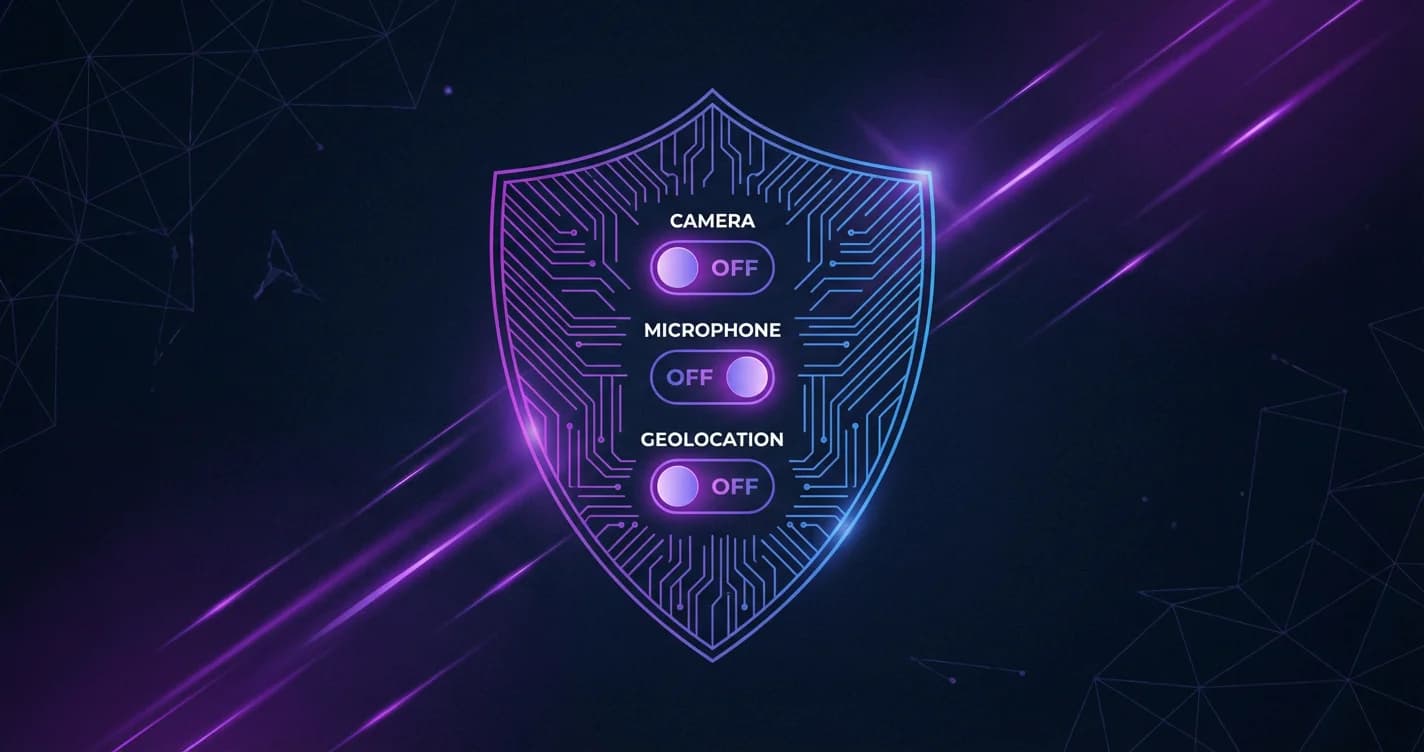
The Permissions-Policy header (formerly Feature-Policy) gives you granular control over which browser features and APIs your website can use. By restricting access to powerful features like the camera, microphone, geolocation, and payment APIs, you reduce your attack surface and protect user privacy — even when third-party scripts are loaded on your pages.
What Is the Permissions-Policy Header?
Permissions-Policy is an HTTP response header that controls which browser features can be used by your site and its embedded content. It replaced the older Feature-Policy header with a more expressive structured syntax standardized by the W3C.
When configured correctly, Permissions-Policy prevents:
- Third-party scripts from accessing sensitive APIs like camera and microphone
- Embedded iframes from using features without explicit permission
- Browser fingerprinting attacks that abuse device APIs
- Unintended data collection by advertising and analytics scripts
Header Syntax and Structure
The Permissions-Policy header uses the Structured Fields format defined in RFC 8941:
Permissions-Policy: feature-name=(allowlist)Allowlist values include:
- * — Allow the feature for all origins
- self — Allow only for the current origin
- () — Disable the feature entirely
- "https://example.com" — Allow for a specific origin
Combining Multiple Directives
Separate multiple directives with commas:
Permissions-Policy: camera=(), microphone=(), geolocation=(self), payment=(self "https://pay.example.com")Essential Features to Restrict
Privacy-Sensitive Features
These features can expose user data if abused by third-party scripts:
- camera — Webcam access for video capture
- microphone — Audio recording capability
- geolocation — GPS and network-based location data
- display-capture — Screen recording and screenshot APIs
- publickey-credentials-get — WebAuthn credential access
Fingerprinting Vectors
Restrict these to prevent browser fingerprinting techniques:
- bluetooth — Bluetooth device enumeration
- serial — Serial port access
- usb — USB device access
- hid — Human Interface Device access
UI and Behavior Controls
- autoplay — Auto-playing media without user interaction
- fullscreen — Fullscreen mode requests
- picture-in-picture — PiP video playback
- sync-xhr — Synchronous XMLHttpRequest (blocks main thread)
Recommended Configuration
Start with a restrictive policy that disables everything unnecessary, then selectively enable what you need:
Permissions-Policy: camera=(), microphone=(), geolocation=(), payment=(), usb=(), bluetooth=(), serial=(), hid=(), display-capture=(), autoplay=(self), fullscreen=(self), picture-in-picture=(self)Implementation by Server
Nginx:
add_header Permissions-Policy "camera=(), microphone=(), geolocation=(), payment=()" always;Apache (.htaccess):
Header always set Permissions-Policy "camera=(), microphone=(), geolocation=(), payment=()"Next.js (next.config.js):
module.exports = {
  async headers() {
    return [{
      source: '/(.*)',
      headers: [{
        key: 'Permissions-Policy',
        value: 'camera=(), microphone=(), geolocation=(), payment=()'
      }]
    }]
  }
}
Permissions-Policy vs iframe sandbox
Both restrict browser features but serve different purposes:
- Permissions-Policy applies to the entire page and all its subresources, controlled by the server via HTTP header
- iframe sandbox restricts specific embedded frames, controlled by the embedding page via HTML attribute
Use both together for defense in depth. Permissions-Policy protects your page from rogue scripts, while sandbox restricts third-party embeds.
Testing and Debugging
Verify your Permissions-Policy implementation:
- Open browser DevTools (F12)
- Go to the Application tab in Chrome
- Check the "Permissions Policy" section (Chrome 93+)
- Try using restricted APIs in the console — they should throw errors
- Run a SecScanner scan to verify the header is properly configured
Common Mistakes to Avoid
- Using deprecated Feature-Policy — The old syntax is no longer supported in modern browsers. Use Permissions-Policy.
- Forgetting embedded content — Third-party iframes inherit permissions unless explicitly denied.
- Over-restricting — Disabling features your site legitimately uses breaks functionality. Test thoroughly.
- Not including the header at all — Without Permissions-Policy, all features are available to any script on your page.
Permissions-Policy Checklist
- Audit which browser APIs your site actually uses
- Disable camera, microphone, and geolocation unless needed
- Restrict payment API to your origin and payment provider
- Block fingerprinting vectors (bluetooth, serial, USB, HID)
- Test all site functionality after deployment
- Verify with browser DevTools
- Run a SecScanner scan to confirm the header is properly set
The Permissions-Policy header is one of the easiest security wins you can implement. A few lines of server configuration significantly reduce your attack surface and demonstrate a commitment to user privacy.
Related Articles
Check Your Website Security
Want to see how your website measures up? Run a free security scan with SecScanner to identify vulnerabilities and get actionable remediation guidance.
Scan Your Website Free