Subresource Integrity (SRI): Protecting Your Site from CDN Compromises
Learn how to use Subresource Integrity to ensure third-party scripts and stylesheets haven't been tampered with. Protect your users from supply chain attacks targeting CDNs.
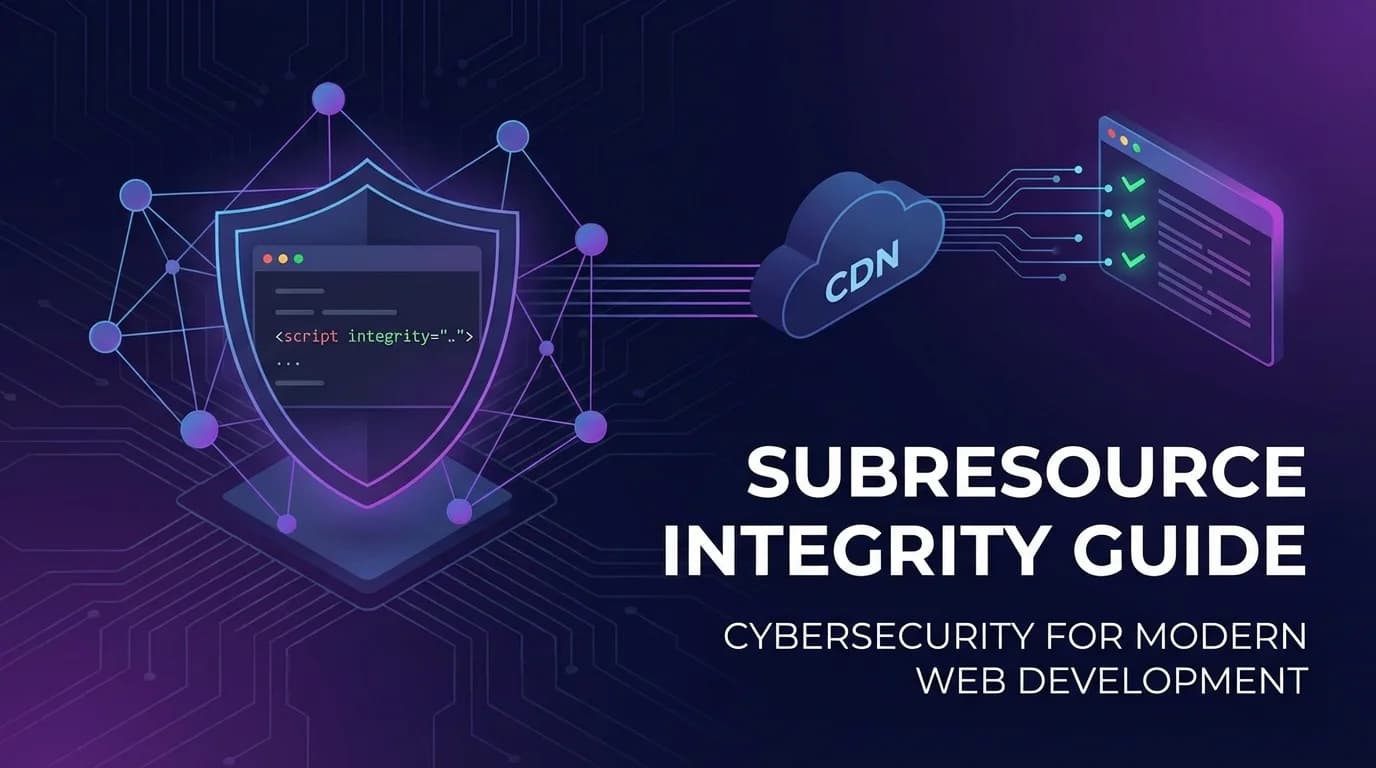
When you load scripts from a CDN, you're trusting that CDN with your users' security. If the CDN is compromised or serves malicious content, your site becomes an attack vector. Subresource Integrity (SRI) verifies that fetched resources match expected content, protecting against tampering.
The Supply Chain Risk
CDN Compromise Scenarios
- CDN infrastructure hack: Attackers gain access to CDN servers
- Malicious package update: A library maintainer pushes compromised code
- Account takeover: Attackers compromise CDN account credentials
- Man-in-the-middle: Traffic interception on non-HTTPS connections
- DNS hijacking: CDN domain points to attacker's server
Real-World Incidents
- British Airways (2018): Skimmer injected via compromised script, 380,000 cards stolen
- event-stream (2018): NPM package compromised to steal cryptocurrency
- Polyfill.io (2024): Domain sold, new owner injected malicious redirects
- ua-parser-js (2021): Popular NPM package briefly served malware
How SRI Works
The Integrity Attribute
SRI adds an integrity attribute to script and link tags containing a cryptographic hash of the expected content:
<script
  src="https://cdn.example.com/library.js"
  integrity="sha384-oqVuAfXRKap7fdgcCY5uykM6+R9GqQ8K/uxy9rx7HNQlGYl1kPzQho1wx4JwY8wC"
  crossorigin="anonymous"
></script>
Browser Verification Process
- Browser downloads the resource
- Browser computes the hash of the downloaded content
- Browser compares computed hash with the integrity attribute
- If hashes match, resource is executed/applied
- If hashes don't match, resource is blocked
Supported Hash Algorithms
- sha256: Minimum recommended
- sha384: Recommended default
- sha512: Strongest option
You can include multiple hashes for the same resource (useful during transitions):
integrity="sha384-hash1 sha512-hash2"Generating SRI Hashes
Using OpenSSL
# Generate sha384 hash
curl -s https://cdn.example.com/library.js | openssl dgst -sha384 -binary | openssl base64 -A

# Output: oqVuAfXRKap7fdgcCY5uykM6+R9GqQ8K/uxy9rx7HNQlGYl1kPzQho1wx4JwY8wC
Using shasum
curl -s https://cdn.example.com/library.js | shasum -b -a 384 | awk '{ print $1 }' | xxd -r -p | base64Online Tools
Several online tools generate SRI hashes:
- srihash.org - Paste URL, get integrity attribute
- CDN providers often publish hashes for popular libraries
- Package documentation frequently includes SRI hashes
Build Tool Integration
// webpack-subresource-integrity
const SriPlugin = require('webpack-subresource-integrity');

module.exports = {
  output: { crossOriginLoading: 'anonymous' },
  plugins: [new SriPlugin({ hashFuncNames: ['sha384'] })]
};
The crossorigin Attribute
SRI requires the crossorigin attribute for cross-origin resources:
<script
  src="https://cdn.example.com/library.js"
  integrity="sha384-..."
  crossorigin="anonymous"
></script>
crossorigin Values
- anonymous: No credentials sent (most common for CDN resources)
- use-credentials: Send cookies and auth headers
Important: Without crossorigin, browsers can't compute the hash for cross-origin resources, so integrity checking fails silently.
Implementation Examples
Popular CDN Libraries
<!-- jQuery from cdnjs -->
<script
  src="https://cdnjs.cloudflare.com/ajax/libs/jquery/3.7.1/jquery.min.js"
  integrity="sha384-1H217gwSVyLSIfaLxHbE7dRb3v4mYCKbpQvzx0cegeju1MVsGrX5xXxAvs/HgeFs"
  crossorigin="anonymous"
></script>

<!-- Bootstrap CSS -->
<link
  rel="stylesheet"
  href="https://cdn.jsdelivr.net/npm/bootstrap@5.3.2/dist/css/bootstrap.min.css"
  integrity="sha384-T3c6CoIi6uLrA9TneNEoa7RxnatzjcDSCmG1MXxSR1GAsXEV/Dwwykc2MPK8M2HN"
  crossorigin="anonymous"
>
Self-Hosted Fallback
<script
  src="https://cdn.example.com/library.js"
  integrity="sha384-..."
  crossorigin="anonymous"
  onerror="loadLocalFallback()"
></script>

<script>
function loadLocalFallback() {
  const script = document.createElement('script');
  script.src = '/local/library.js';
  script.integrity = 'sha384-...';
  document.head.appendChild(script);
}
</script>
SRI with Content Security Policy
CSP can require SRI for all scripts and styles:
Content-Security-Policy: require-sri-for script styleNote: This directive is deprecated in CSP Level 3 but still supported in some browsers. Consider it an additional layer.
Challenges and Solutions
Dynamic Resource Versions
Problem: CDN resources update, breaking integrity checks.
Solution: Pin to specific versions and update hashes intentionally:
<!-- Pin version explicitly -->
<script src="https://cdn.example.com/library@3.7.1/library.min.js"
        integrity="sha384-..."></script>
Multiple CDN Sources
Problem: Different CDNs might minify or process files differently.
Solution: Use the same CDN consistently or generate hashes per CDN.
Inline Scripts
Problem: SRI only works for external resources.
Solution: Use CSP nonces or hashes for inline scripts.
Service Workers
Problem: Service workers can modify responses, breaking SRI.
Solution: Ensure service workers pass through integrity-checked resources unmodified.
Monitoring and Maintenance
Detecting SRI Failures
Use the securitypolicyviolation event to detect blocked resources:
document.addEventListener('securitypolicyviolation', (e) => {
  if (e.violatedDirective === 'require-sri-for') {
    console.error('SRI check failed:', e.blockedURI);
    // Send to monitoring service
  }
});
Hash Update Process
- Monitor for library updates
- Review changelog for security implications
- Generate new hash for updated version
- Test in staging environment
- Deploy hash and URL update together
Automation
// Package.json script to verify SRI
"scripts": {
  "verify-sri": "node scripts/check-sri-hashes.js",
  "update-sri": "node scripts/generate-sri-hashes.js"
}
SRI Implementation Checklist
- Add integrity attributes to all external scripts
- Add integrity attributes to all external stylesheets
- Include crossorigin="anonymous" for cross-origin resources
- Use sha384 or sha512 hash algorithms
- Pin to specific library versions, not "latest"
- Implement local fallbacks for critical resources
- Set up monitoring for SRI failures
- Create a process for updating hashes
- Use SecScanner to verify SRI implementation
- Consider CSP require-sri-for as additional enforcement
SRI is a straightforward security measure that protects against supply chain attacks. The setup cost is minimal compared to the protection it provides. Start implementing it today.
Related Articles
Check Your Website Security
Want to see how your website measures up? Run a free security scan with SecScanner to identify vulnerabilities and get actionable remediation guidance.
Scan Your Website Free