Clickjacking Prevention: X-Frame-Options & CSP Guide
Learn what clickjacking is, how attackers use invisible iframes to trick users, and how to prevent it with X-Frame-Options and frame-ancestors CSP.
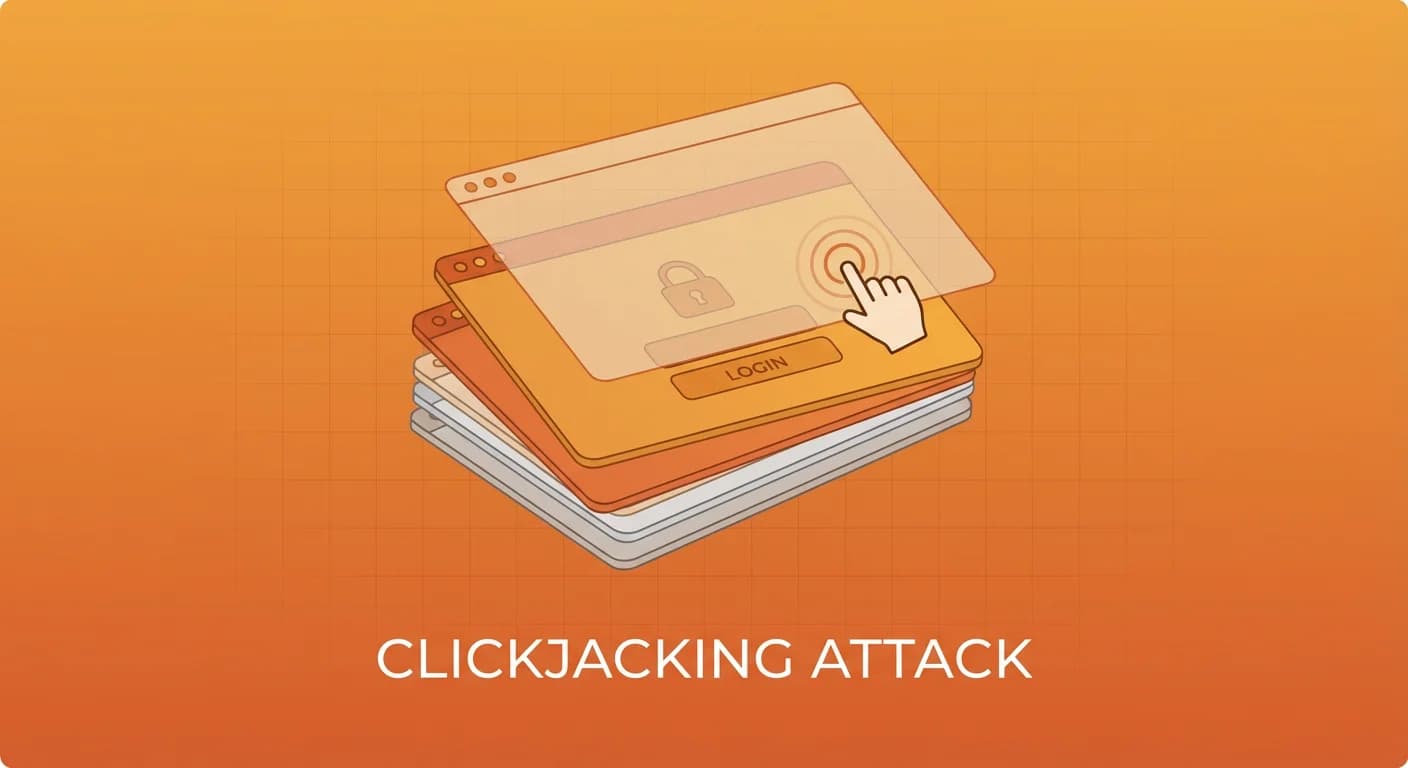
Clickjacking is a deceptive attack where a malicious site tricks users into clicking something different from what they perceive. By loading your website in a hidden iframe and overlaying it with enticing content, attackers can hijack clicks to perform unauthorized actions — transferring money, changing account settings, or granting permissions. This guide explains how clickjacking works and how to prevent it with X-Frame-Options and Content Security Policy frame-ancestors.
What Is Clickjacking?
Clickjacking (also known as a "UI redress attack") exploits the browser's ability to embed one page inside another using iframes. The attack works like this:
- The attacker creates a malicious webpage with an enticing button ("Click to win a prize!")
- Your legitimate website is loaded in an invisible iframe positioned over the button
- When the user clicks the visible button, they actually click on an element in your hidden page
- The action executes with the user's authenticated session — without their knowledge
Clickjacking Attack Example
<!-- Attacker's malicious page -->
<html>
<head>
  <style>
    .overlay {
      position: relative;
      width: 500px;
      height: 300px;
    }
    iframe {
      position: absolute;
      top: 0;
      left: 0;
      width: 500px;
      height: 300px;
      opacity: 0;          /* Invisible to the user */
      z-index: 2;          /* On top of everything */
    }
    .bait {
      position: absolute;
      top: 120px;           /* Aligned with the target button */
      left: 180px;
      z-index: 1;
      padding: 15px 30px;
      background: #22c55e;
      color: white;
      font-size: 24px;
      border-radius: 8px;
      cursor: pointer;
    }
  </style>
</head>
<body>
  <h1>Congratulations! You won!</h1>
  <div class="overlay">
    <div class="bait">Claim Your Prize</div>
    <!-- Your real page loaded invisibly -->
    <iframe src="https://yourbank.com/transfer?to=attacker&amount=1000"></iframe>
  </div>
</body>
</html>
The user sees "Claim Your Prize" but actually clicks the "Confirm Transfer" button on the bank's page.
Real-World Clickjacking Attacks
- Facebook Likejacking — Attackers tricked users into "liking" pages they never intended to by overlaying invisible Facebook Like buttons on popular content
- Twitter Worm (2009) — A "Don't Click" clickjacking attack that auto-tweeted from victims' accounts, spreading virally
- Adobe Flash Settings — Clickjacking was used to enable webcam and microphone access through Flash's settings manager
- Google Account Takeover — Researchers demonstrated clickjacking to change Google account recovery settings
How to Test for Clickjacking
Before implementing defenses, test whether your site is vulnerable:
<!-- Save as clickjack-test.html and open locally -->
<html>
<head><title>Clickjacking Test</title></head>
<body>
  <h1>Clickjacking Vulnerability Test</h1>
  <p>If you can see the page below in the frame, it's vulnerable:</p>
  <iframe src="https://your-site.com" width="800" height="600" style="border:2px solid red"></iframe>
</body>
</html>
If your site loads in the iframe, it's vulnerable. SecScanner automatically checks for clickjacking protection by verifying the presence of X-Frame-Options headers and CSP frame-ancestors directives.
Prevention: X-Frame-Options Header
X-Frame-Options is the original defense against clickjacking. It tells browsers whether your page can be framed:
Directives
# Prevent all framing (most secure for pages that should never be framed)
X-Frame-Options: DENY

# Allow framing only by same-origin pages
X-Frame-Options: SAMEORIGIN

# Allow framing by a specific origin (deprecated — use CSP instead)
X-Frame-Options: ALLOW-FROM https://trusted.com
Server Configuration
# Nginx
add_header X-Frame-Options "DENY" always;

# Apache
Header always set X-Frame-Options "DENY"

# Express.js
app.use((req, res, next) => {
  res.setHeader('X-Frame-Options', 'DENY');
  next();
});

# Next.js (next.config.js)
const nextConfig = {
  async headers() {
    return [{
      source: '/(.*)',
      headers: [
        { key: 'X-Frame-Options', value: 'DENY' },
      ],
    }];
  },
};
Prevention: CSP frame-ancestors (Modern Approach)
The frame-ancestors directive in Content Security Policy is the modern replacement for X-Frame-Options. It's more flexible and overrides X-Frame-Options when both are present:
# Prevent all framing
Content-Security-Policy: frame-ancestors 'none';

# Allow same-origin framing only
Content-Security-Policy: frame-ancestors 'self';

# Allow specific origins
Content-Security-Policy: frame-ancestors 'self' https://trusted-partner.com https://app.example.com;

# Allow framing by any HTTPS origin (rarely recommended)
Content-Security-Policy: frame-ancestors https:;
frame-ancestors vs X-Frame-Options
| Feature | X-Frame-Options | CSP frame-ancestors |
|---|---|---|
| Multiple origins | No | Yes |
| Wildcard support | No | Yes (*.example.com) |
| Browser support | All browsers | All modern browsers |
| Takes precedence | No (overridden by CSP) | Yes |
| Standard status | Deprecated | Active W3C spec |
Best practice: Set both headers for maximum compatibility. CSP frame-ancestors protects modern browsers while X-Frame-Options covers older ones.
Clickjacking Prevention for Common Scenarios
Standard Website (No Framing Needed)
X-Frame-Options: DENY
Content-Security-Policy: frame-ancestors 'none';
Site with Same-Origin Embeds
# When your own pages need to iframe other pages on the same domain
X-Frame-Options: SAMEORIGIN
Content-Security-Policy: frame-ancestors 'self';
Widget or Embed Provider
# When partners need to embed your content
# Don't set X-Frame-Options (it can't handle multiple origins)
Content-Security-Policy: frame-ancestors 'self' https://partner1.com https://partner2.com;
Selective Protection (Per-Route)
// Express.js — different policies for different routes
app.use('/admin', (req, res, next) => {
  // Admin pages should never be framed
  res.setHeader('X-Frame-Options', 'DENY');
  res.setHeader('Content-Security-Policy', "frame-ancestors 'none'");
  next();
});

app.use('/embed', (req, res, next) => {
  // Embeddable widgets allow specific origins
  res.setHeader('Content-Security-Policy',
    "frame-ancestors 'self' https://partner.com");
  next();
});
Advanced Clickjacking Variants
Cursorjacking
The attacker changes the cursor's visual position, so clicks land on a different element than expected. Defense: same framing protections apply since the attack still requires iframing your page.
Drag-and-Drop Clickjacking
Instead of clicks, the attacker tricks users into dragging sensitive content (like authentication tokens) from your page into the attacker's page. The frame-ancestors directive prevents this by blocking the iframe entirely.
Double-Clickjacking
A timing-based variant where the first click opens a legitimate permission prompt, and the second click (intended for the bait) confirms it. Mitigation requires both framing protection and interaction timing defenses.
JavaScript-Based Defense (Framebusting)
As a fallback for environments where you can't control headers, JavaScript framebusting can provide some protection:
// Modern framebusting approach
if (window.self !== window.top) {
  // Page is being framed — break out
  window.top.location = window.self.location;
}

// More robust version
(function() {
  if (self === top) {
    // Not framed — show content
    document.documentElement.style.display = 'block';
  } else {
    // Framed — redirect to top
    top.location = self.location;
  }
})();
Warning: JavaScript framebusting is not reliable because attackers can use the sandbox attribute on iframes to disable scripts. Always use HTTP headers as the primary defense.
Clickjacking Prevention Checklist
- Set
X-Frame-Options: DENYon all pages that shouldn't be framed - Deploy
Content-Security-Policy: frame-ancestors 'none'for modern browsers - Use
SAMEORIGIN/'self'only when your pages need to iframe each other - Apply stricter policies to sensitive pages (login, settings, payment)
- Test framing protection with a simple iframe test page
- Audit third-party integrations that may require framing exceptions
- Add JavaScript framebusting as a defense-in-depth layer
- Run SecScanner to verify clickjacking protection across your site
Clickjacking is easy to prevent but often overlooked. Two HTTP headers — X-Frame-Options and CSP frame-ancestors — block the attack entirely for most websites. Run a SecScanner scan to verify your site is protected, and make framing controls part of your standard security header deployment.
Related Articles
Check Your Website Security
Want to see how your website measures up? Run a free security scan with SecScanner to identify vulnerabilities and get actionable remediation guidance.
Scan Your Website Free